


شركة مايكروسوفت تعمل حاليا على تطوير تطبيق جديد يدخل في مجال الأدوات بالأحرى تطبيقات اللانشر، وقد أطلق على التطبيق إسم السهم وهو الآن في مرحتله التجريبية بيتا، وبالتالي لا يمكنك تحميل التطبيق إلا من خلال الإنضمام لمجتمع التطبيق أو تحميله بصيغة التثبيت اليدوي APK.
وتماشيا من الشركة في تطوير تطبيقات لجميع منصات التشغيل ومنها هذا التطبيق الذي يحمل أفكار كبيرة، ونستطيع أن نقول أنه شبه أساسي من النسخة الرسمية والتي سيتم إطلاقها عاجلا أم آجلا على متجر الأندرويد قوقل بلاي.

نأتي بما جلبه لمستخدميه، حيث يتضمن لانشر سهم "السهم" هذا ثلاث صفحات لا يمكن للمستخدم العبث بها من إضافة أو إزالة، تتمثل الصفحة الأولى بإسم الشعب حيث سترى جهات الإتصال و حسابات البريك الإلكتروني وهذا إلى حد كبير من الأمور الشعبية والتي يكثر من المستخدم تصفحها .
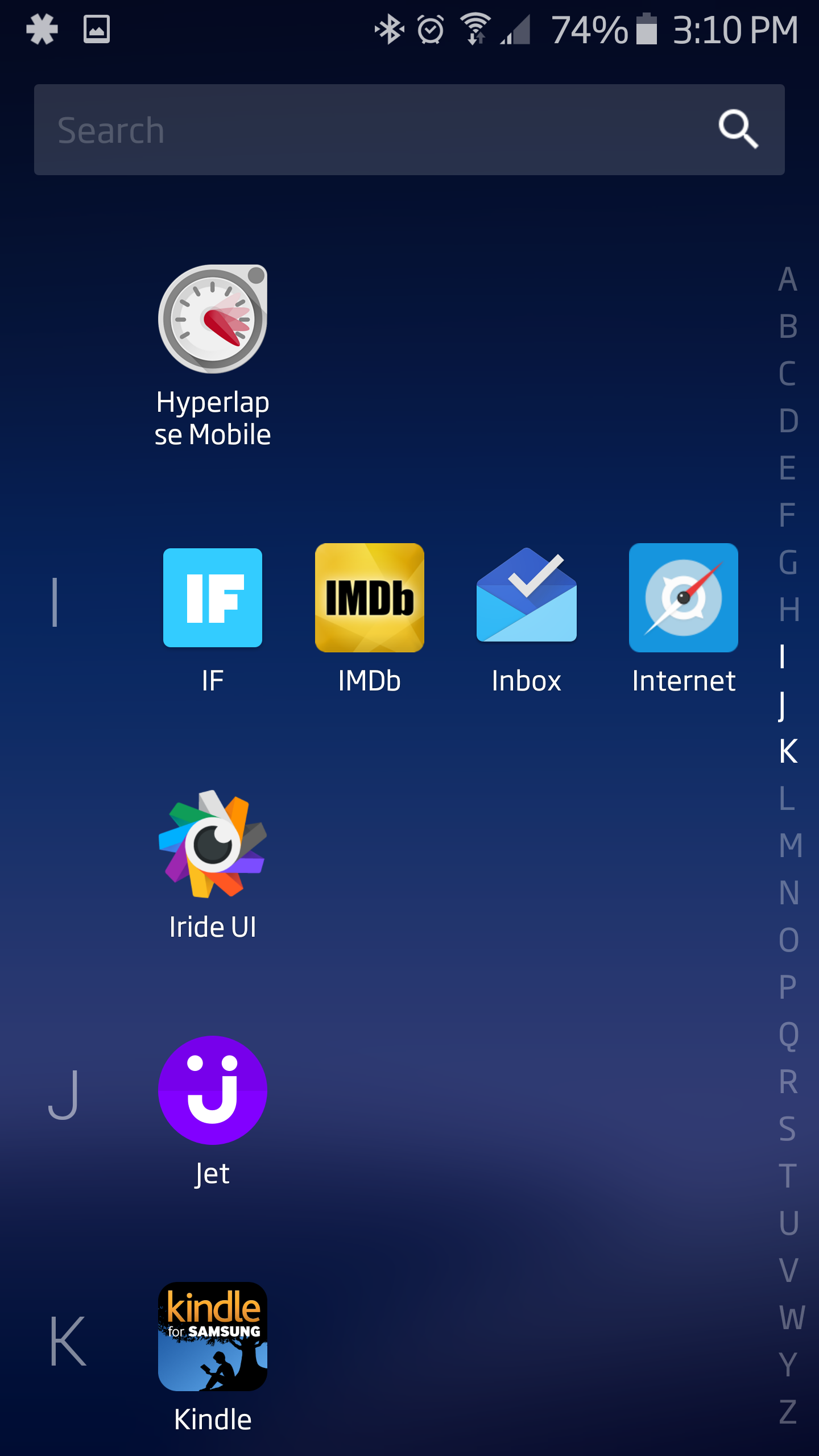
الصفحة الثانية تتمثل في تطبيقات "التطبيقات" وهي الصفحة الرئيسية للانشر وتنقسم لثلاث أقسام القسم الأول يعرض لك التطبيقات التي قام المستخدم بفتحها، والقسم الذي يليه يعرض التطبيقات المفضلة والتي يتكرر من المستخدم فتحها، أما القسم الأخير يعرض إمكانية الوصول لجميع التطبيقات والمجلدات وذلك عند الضغط على إشارة السهم.
أما الصفحة الثالثة والأخيرة من تطبيق السهم هي ملاحظات وتذكير "التذكير والمحلاظات"، والتي معظم تطبيقات اللانشر لا تشملها وتتمثل في السماح للمستخدمين إضافة ملاحظة أو تذكير لموعد ما، ويأتي هذا اللانشر مشابها لدرج تطبيقات لانشر أندرويد أم.
وأخيرا كمختلف تطبيقات اللانشر، يشمل لانشر السهم الكشف عن تطبيقات أخرى للتحميل، كذلك الوصول السريع إلى الإعدادات والتنبيهات والخلفيات الأكثر من رائعة وذات جودة عالية، وعندما يتعلق الأمر بالتخصيص فالتطبيق يفتقر لبعض المميزات على سبيل المثال لا يمكنك الإختيار والتبديل في حزم أيقونات التطبيقات، ولا يمكنك إضافة التطبيقات إلى قسم أكثر التطبيقات إستخداما على الصفحة الرئيسية.
الآن وكما ذكرنا سابقا التطبيق في مرحتله التجريبية يمكنك تحميله بالإنضمام لمجتمع التطبيق على قوقل بلس، أو تحميله بيصغة التثبيت اليدوي APK من هنا.
المصدر: Microsoft News
---------------------------------------------------------
Microsoft is currently working on developing a new application enters in tools rather Allanscher applications, was launched to share the name of the application is now in the pilot Mranlh beta, so you can not download the application only through the community to join the application or download the manual installation format APK.
In line of the company in developing applications for all operating platforms, including this application, which carries great ideas, and we can say it is almost essential to the official version, which will be launched sooner or later on the Android Google Play store.
We come as brought to its users, where includes Share share "share" this three-page user can not be tampered with to add or remove, is the first page the name of the people where you'll see the contacts and the BRIC accounts mail this to a large extent of things and popular that a lot of user browsed .
The second page is the Applications "applications" which Home Share and divided to three first section sections show you the applications that the user has opened, and the partition that followed displays favorite applications and frequently from the user opens, and the last section presents the possibility of access to all applications, folders, and so when you press arrow signal.
The third page and the last of the application of the stock is notes and reminder "reminders and Mahlazat", which most Allanscher applications not covered and is to allow users to add a note or reminder for an appointment, and comes Allanscher similar to stair applications to Share Android mother.
Finally, as distinct Allanscher applications, including the Post arrow disclosure of other applications for download, as well as quick access to the settings and alerts and backgrounds most fantastic and high quality, and when it comes to privatization Valttbaiq lacks some features, for example, you can not choose and switch applications icons packs, and you can not add more applications to the Department of commonly used applications on the home page.
Now as previously mentioned application in the pilot Mranlh you can download the application to join the community on Google Plus, or upload Basgh manual installation APK from here.
Source: Microsoft News
